
Quick Start — Jump to your section
Sign Up-Level Start and Stop Dates Per-Slot Start and Stop Dates Sign Up Locking Free Plan Option: Access CodeThere's more than one way to control sign up timing, and they solve slightly different problems. You can automatically open and close an entire sign up on a schedule, set timing for one specific slot, lock changes as an event gets close, or manually restrict access if you're not on a paid plan yet. Here's how each one works.
Sign Up-Level Start and Stop Dates
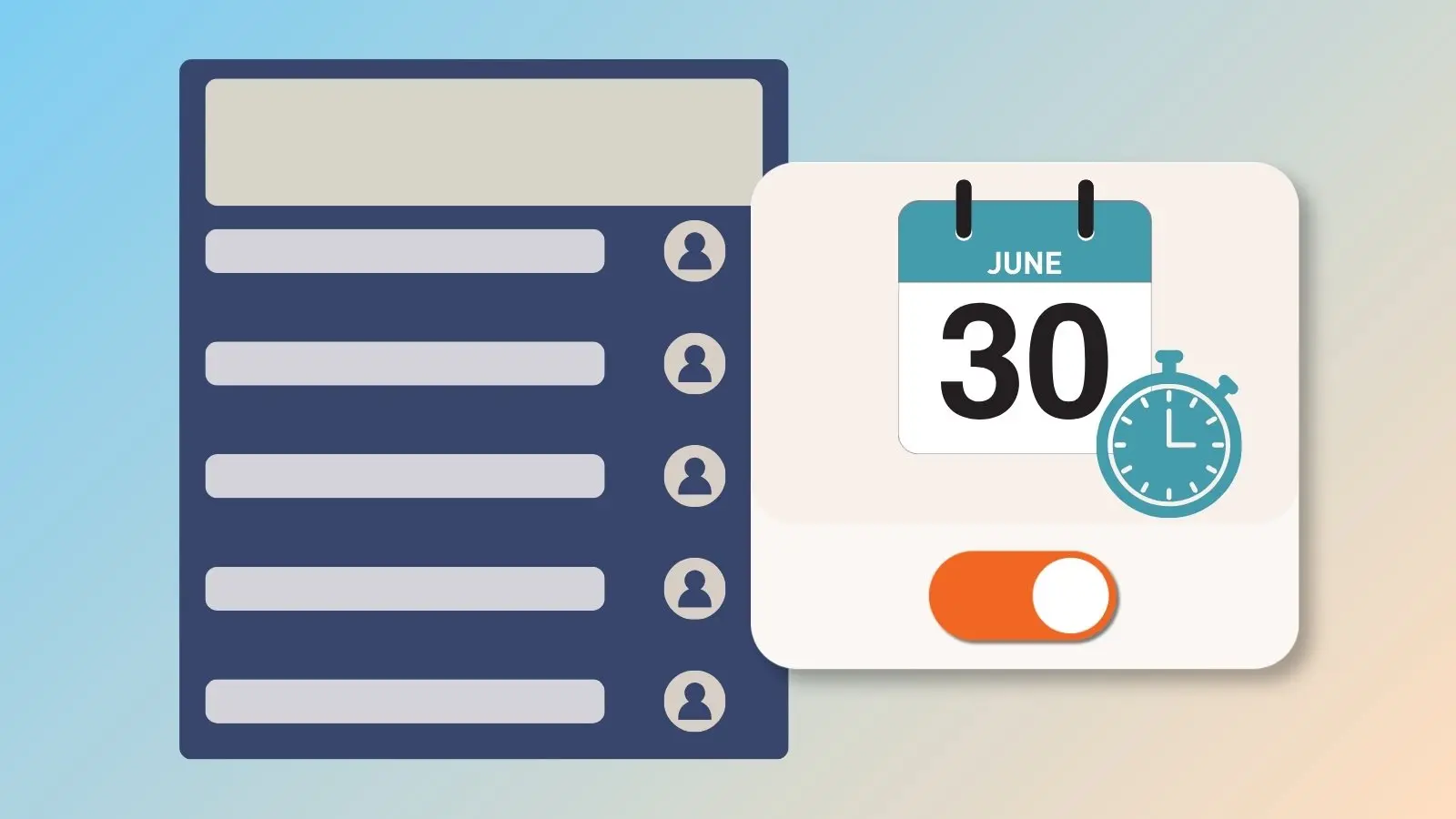
Available on Gold, Platinum, and Enterprise plans, this controls when your entire sign up opens and closes. Before the start date, participants can see the sign up but can't register yet.
After the stop date, the sign up closes automatically and no more changes can be made. Times run on a 24-hour clock, so a 5:00 PM stop time closes registration at exactly 5:00 PM, not at midnight.
- Log in and click the Created tab.
- Click the ellipsis icon (•••) next to the sign up and select Edit.
- On the Settings tab, scroll to Preferences and click the Restrictions tab.
- Click the + symbol next to Sign Up Start/Stop Dates.
- Set your start and stop dates and times.
While you're there, you can also:
- Hide sign up dates, times, and slots before the sign up opens or after it closes.
- Display a custom message before the sign up opens or after it closes.
- Lock the sign up automatically so participants can't make changes once it's closed.