
Quick Start — Jump to your section
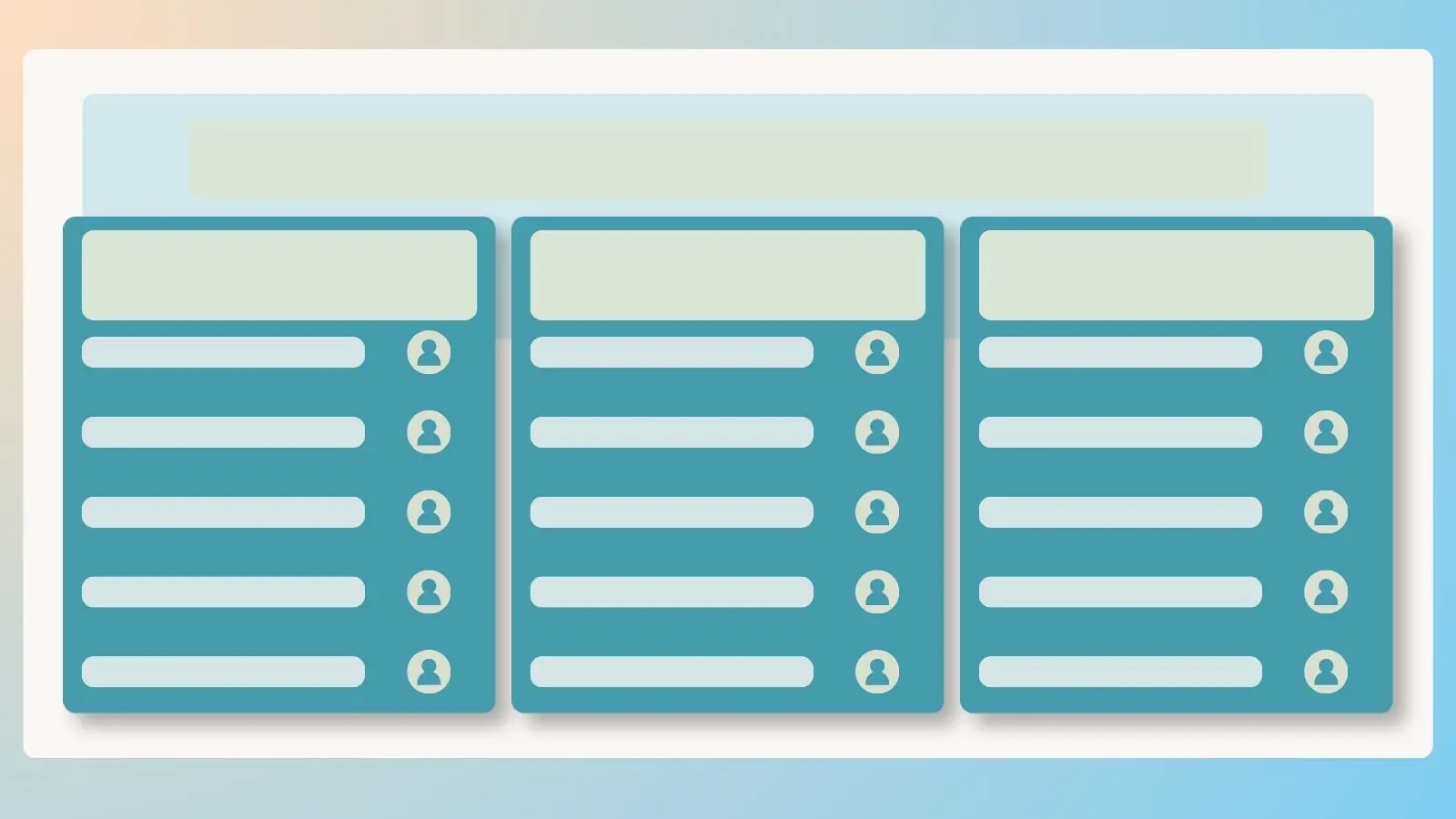
How to Create a Portal Page Customize Your Portal Page Share Your Portal Page Embed Your Portal Page on Your WebsiteManaging more sign ups than a single link can reasonably cover? Enterprise plans include Portal Pages, a customizable home base that connects participants to a whole group of related sign ups, documents, and updates, all through one link. Unlimited portal pages are included, so there's no limit to how you organize things.
How to Create a Portal Page
- Log in to your account and click the Tools icon on the left side of the page.
- Click Add New Portal Page.
- Enter a title and URL for your portal page.
- Choose whether to remove SignUpGenius branding from the page.
- Click Create to publish.
Nobody Sees It Until You're Ready
Creating your portal page doesn't mean it's public yet. You can fully polish the page before sharing the link with anyone.
Customize Your Portal Page
Once your page is created, make it your own. Adjust the color scheme and upload a banner image to match your organization's branding.
From there, you can edit, remove, or duplicate individual sections, including:
- Page Banner Image — the visual header for your page
- Description — context for what the page includes
- Sign Ups — the group of sign ups you want participants to see