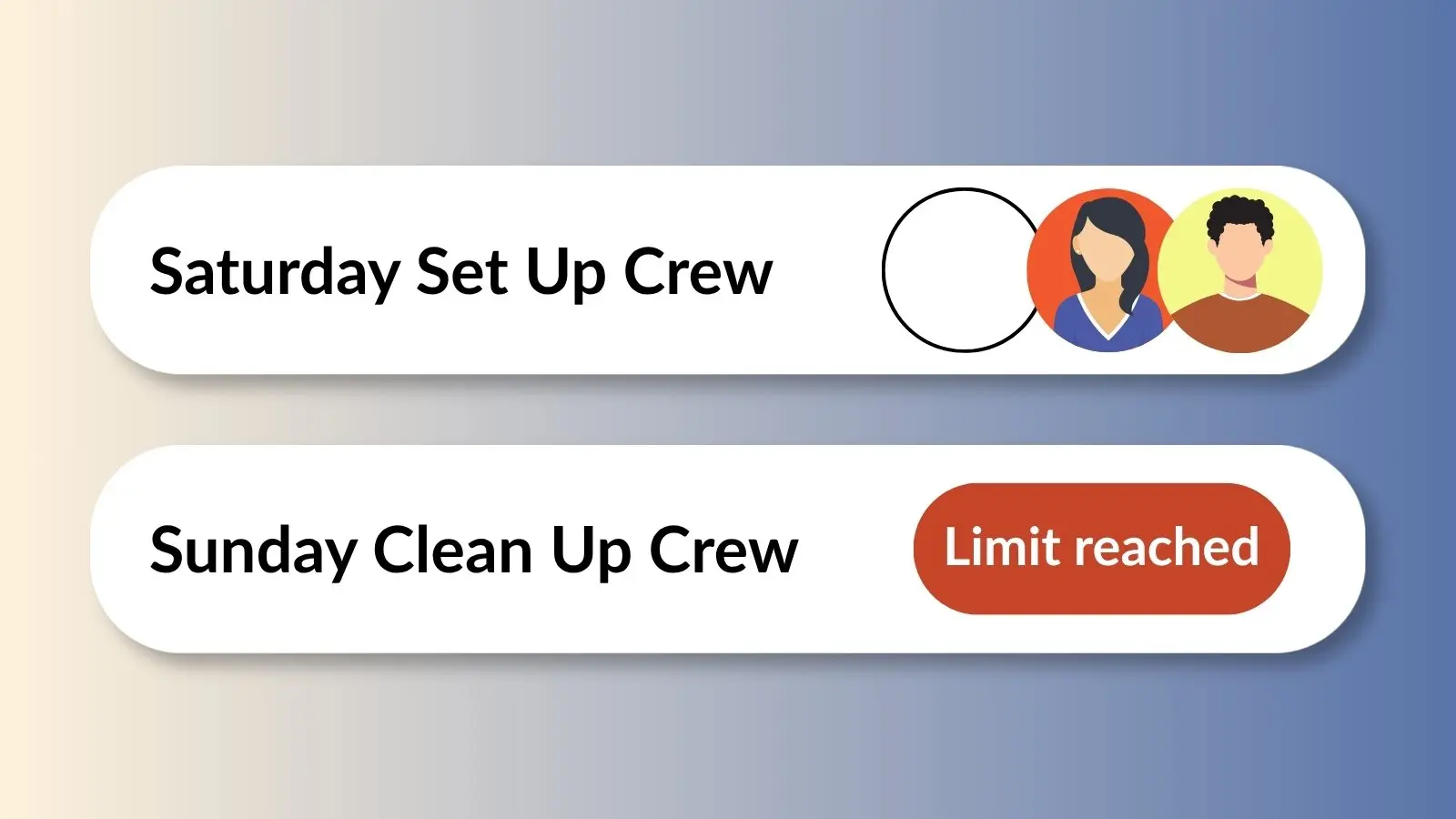

Quantity Limits for Users is a paid-plan feature that stops one person from claiming more slots or items than you'd like. That might mean capping how many total volunteer shifts someone can sign up for across the year, or making sure one guest doesn't grab every appetizer slot at the potluck.
How to Set a Quantity Limit
- Log in to your account and go to your Created sign ups.
- Click the ellipsis icon (•••) next to the sign up and select Edit.
- On the Settings tab, scroll down to the Preferences heading.
- Click the Restrictions tab.
- Click the + symbol next to Quantity Limits for Users.
Choose the Right Limit Type
Once you're in Quantity Limits for Users, you'll see two options. Pick whichever matches how you want to control sign ups.
Limit across the entire sign up
Use this when you have multiple options throughout a sign up and want to cap how many any one person can claim in total.
For example, if your sign up offers volunteer opportunities all year, you can restrict each individual to no more than five total slots. Select this option from the dropdown after entering your limit.
Limit per item
Use this when you want to control how many of a specific item or category one person can claim.
For example, if you only want each guest to bring one dish per category, appetizers, desserts, or drinks, assign a quantity limit of one so everyone gets a chance to contribute, instead of one person signing up for three desserts.
This Feature Requires a Paid Plan
Quantity Limits for Users is available on paid plans.
Compare plans