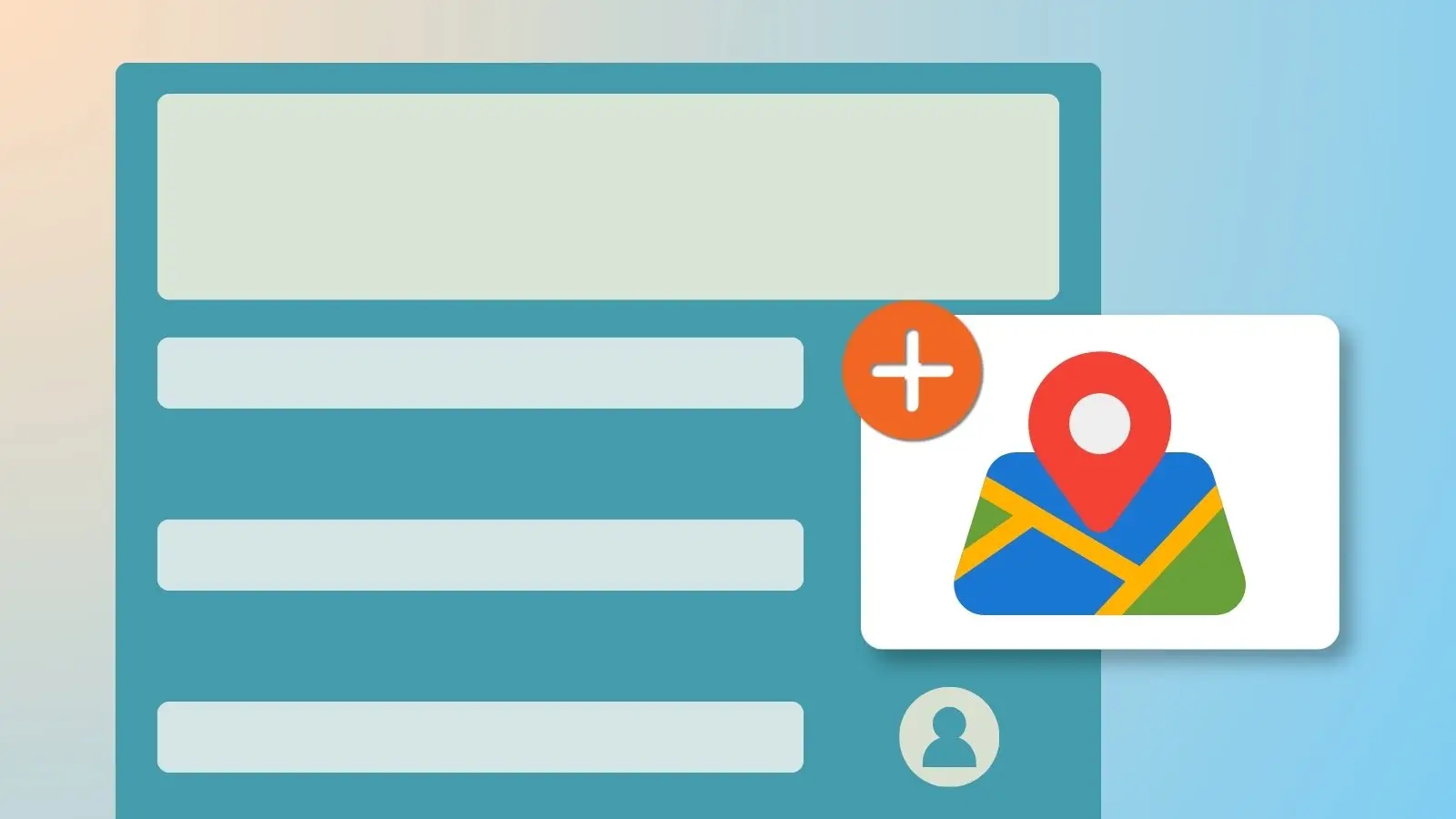

Add an address when setting up your sign up's dates and times, and a clickable map link appears automatically on the published page. Participants click it, get directions, and can send them straight to their phone, no separate email with an address to keep track of.
How to Add a Map Link
- When adding dates and times to your sign up, enter the address for that location.
- Publish your sign up. The map link generates automatically and appears alongside that date or slot.
- When a participant clicks the link, Google Maps opens with directions to the location.
Running a Sign Up Across Multiple Locations?
Assign a different address to each slot, and each one links to its own map. Useful for sign ups spanning multiple volunteer sites, game venues, or event locations.
Frequently Asked Questions
Can different slots on the same sign up have different locations?
Yes. Assign a separate address to each slot, and each one generates its own map link.
What happens when a participant clicks the map link?
It opens Google Maps with directions to the location. From there, participants can send those directions directly to their phone.
Do I need a paid plan to add a map link?
No. Adding a map link is available on every plan.