
Sign ups rarely stay exactly as planned. Someone cancels, a volunteer who signed up on paper needs to be added to the online list, or two people want to swap slots. SignUpGenius lets you add, edit, move or delete participants directly from your sign up, so it stays accurate without you needing to recreate anything.
When You'll Need This Tool
- Someone emails or calls you directly to cancel instead of removing themselves online
- A participant signed up on paper, by text, or in person, and you want them reflected in your online sign up
- A slot has the wrong quantity or comment, and you need to correct it
- Two people want to trade slots, or a schedule change means someone needs to move
How to Make the Change
You can make all of these changes from your sign up's Admin Toolbar in a couple clicks, whether you're adding someone new, fixing a mistake, or moving a participant to a different slot.
- Log in and open the actual sign up you need to update.
- Click Add / Edit / Delete People in the Admin Toolbar.
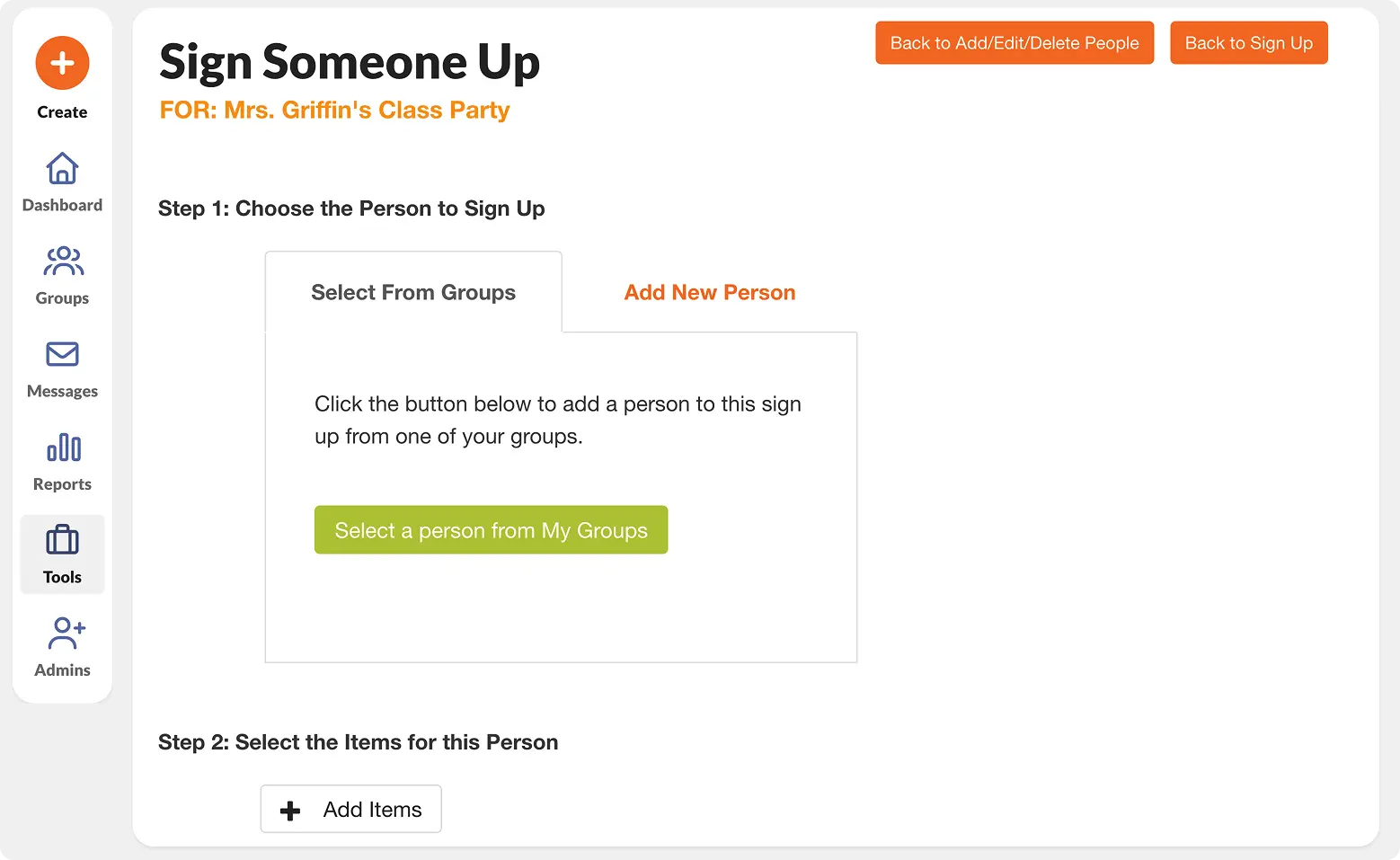
- Choose Sign Someone Up, Move Selected, or Delete Selected, depending on what you need to do.
- Choose to add someone from your Group or enter a New Person’s name and email, then assign them to the open slot.
- For RSVP sign ups, click Edit next to any entry to update their response.
- Click Save & Finish
👉 For even more detail, visit our help center walkthrough to learn even more.

Genius Tip
If you're logging several offline sign ups at once, add them all before your next automatic reminder goes out. That way no one gets a reminder for a slot they already filled in person.