
Paid accounts can attach documents directly to a sign up or an email, using GeniusDrive, the cloud storage built into your account.
Whatever your participants need, it's right there with the sign up, no separate download link required.
Upload Your File to GeniusDrive
- Log in and click Tools on the left side of your account.
- Choose GeniusDrive.
- Create folders to keep things organized, then upload your documents.
Attach a File to Your Sign Up
- From your Created sign ups, click the ellipsis icon (•••) and select Edit.
- On the Design tab, find the Related Files area.
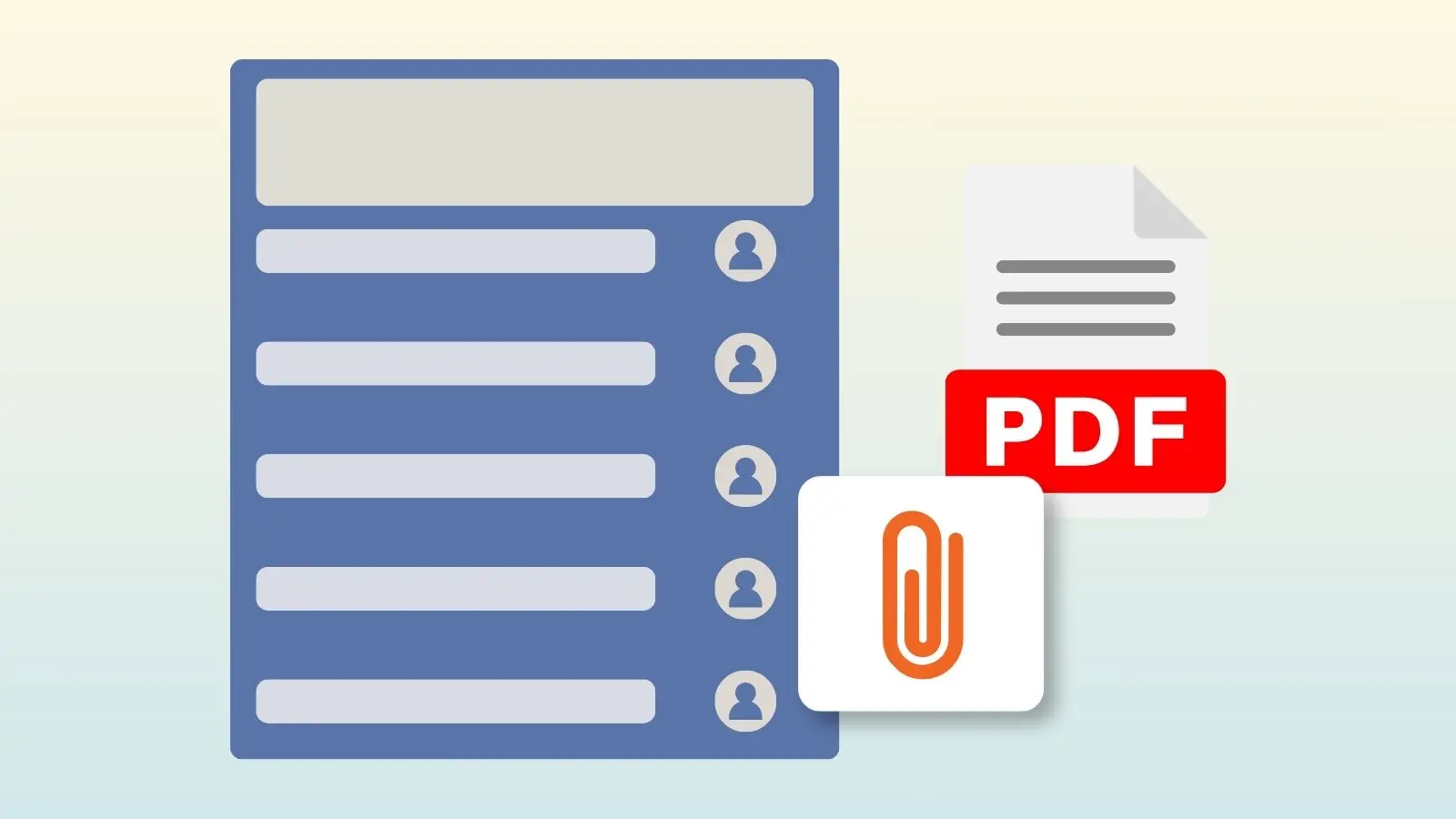
- Click the paperclip icon to select a file from your GeniusDrive.
Your file appears at the top of the sign up, and participants can download it whenever they sign up.
Attach a File to an Email
- In the Messages area, click Compose.
- Write your message.
- Attach a file from your GeniusDrive underneath the message.
- Participants receive the attachment along with your reminder or invitation.
Attachments Work with Custom Templates Too
Building a custom reminder or confirmation template? You can attach files from GeniusDrive there as well, so participants get the right document every time, automatically.
See how custom templates work