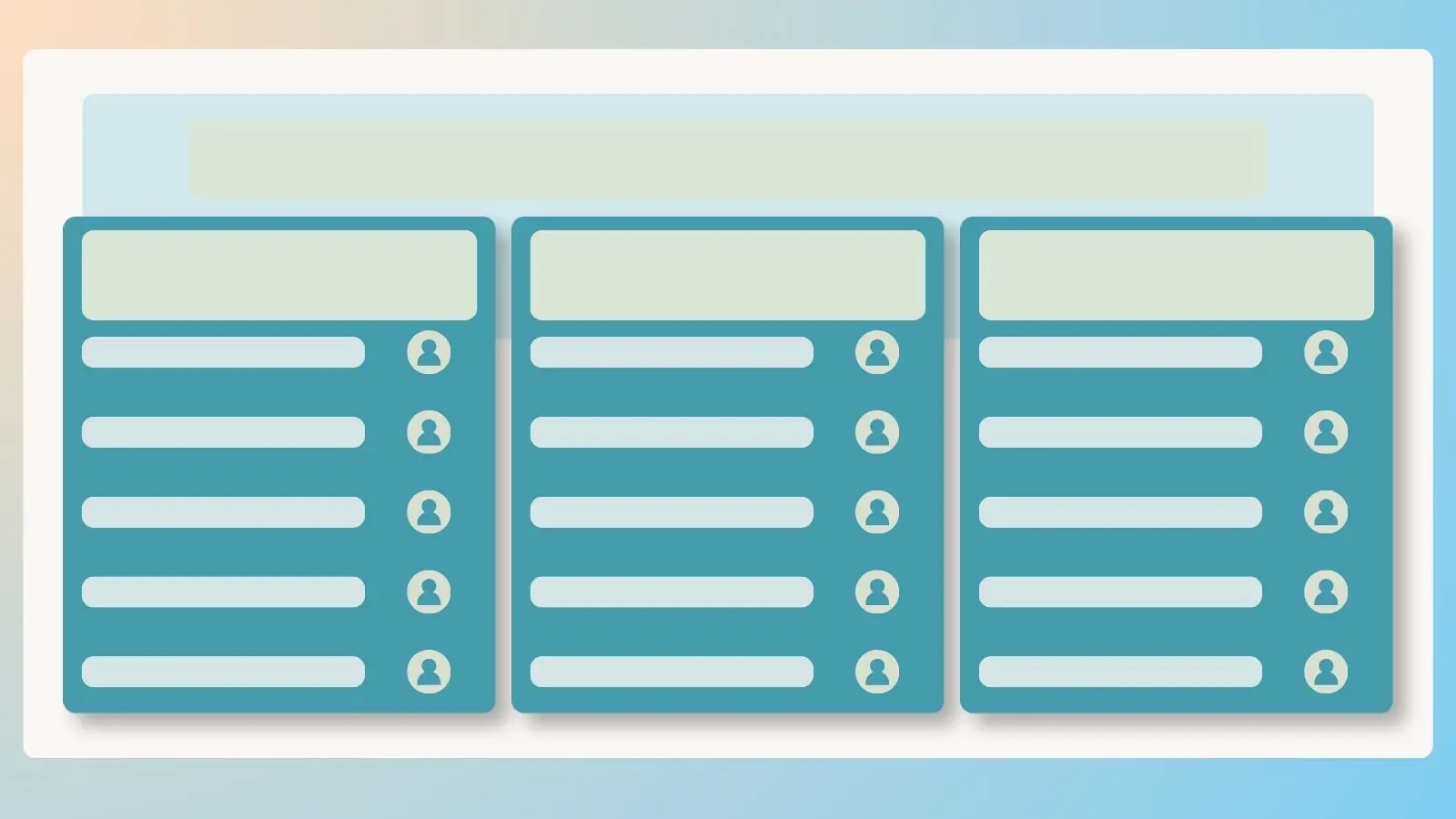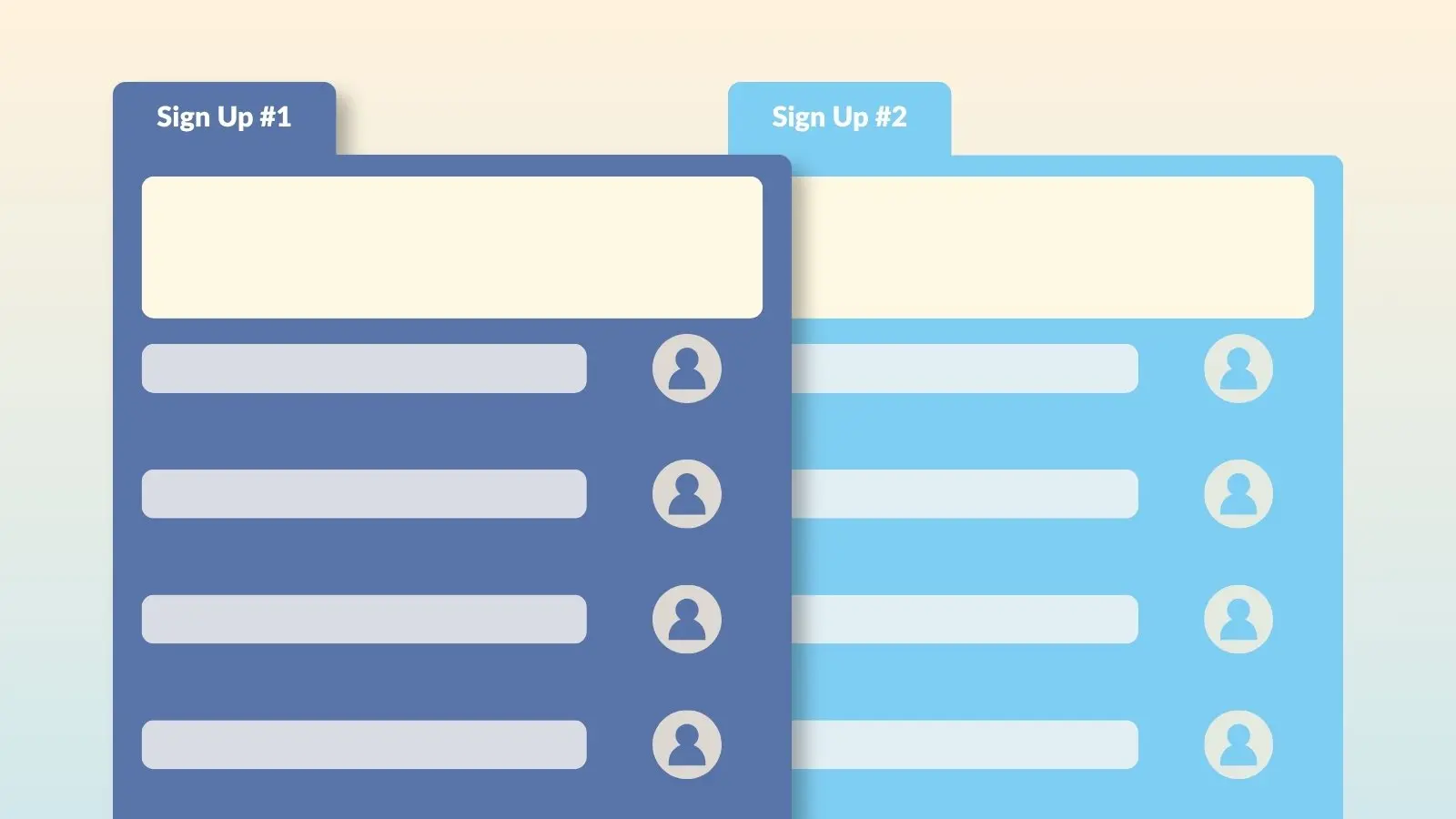

If you're managing several related sign ups, a yearlong volunteer effort, a series of shifts, or a few different opportunities for the same group, Gold plans and above let you link them together into a tab group. Participants navigate between them from one shared page, instead of juggling separate links for each one.
How to Create a Tab Group
- Log in to your account and click the Tools icon.
- Select Sign Up Tabbing.
- Choose Add New Tab Group and give it a name.
- Select the sign ups you want to include. They need to be published, have future dates, and not already assigned to another tab group.
- Save your tab group.
Tab Groups Are Easy to Update
Created a new sign up you want to include later? Edit your tab group anytime from the same Tools menu to add it, or remove a sign up if it becomes outdated or irrelevant.
When to Use Tab Groups
Tab groups work well anytime participants need to choose between more than one related sign up. A few common examples:
- Coordinating monthly volunteer opportunities for a nonprofit
- Organizing parent-teacher conferences by grade level
- Managing work shifts across a week or season
- Planning a multi-site service day or volunteer fundraiser
Frequently Asked Questions
Is creating a tab group a paid feature?
Yes. Tab groups are available on Gold plans and above.