
Quick Start — Jump to your section
What Works the Same on Mobile Add SignUpGenius to Your Home Screen Sharing a Sign Up on MobileDoes SignUpGenius Have a Mobile App?
No, and that's by design. Everything you can do on desktop, from creating a sign up to checking who's covered a slot, works the same way in your phone's browser. There's nothing to download and nothing to keep updated. If you want an app-like shortcut, you can add SignUpGenius to your home screen in a few taps.
What Works the Same on Mobile
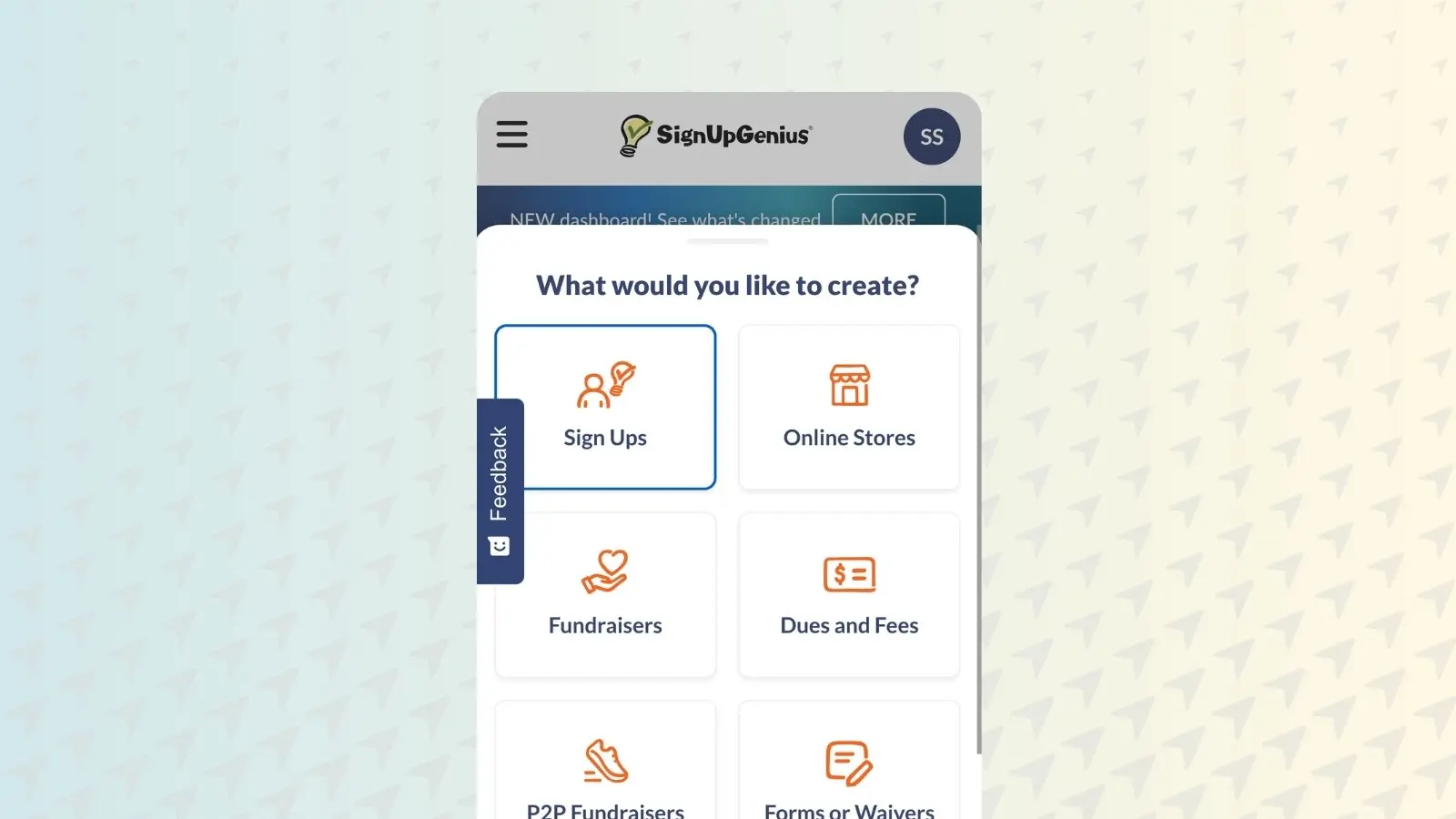
Creating a sign up from your phone works the same as it does on desktop. Log in or create an account, tap Create a Sign Up, enter your title, assign a group, and choose a theme, all from the same flow.
Participants don't need an account at all. They can view a sign up, claim a slot, and pay if needed, straight from the link, on any device.
Editing works the same way too. Update slots, change details, or close a sign up from your phone whenever you need to, and your group sees the change in real time.

Genius Tip
Since there's no app to update, you're always on the current version of SignUpGenius the moment you open your browser. No version mismatches between you and your co-organizers.
Add SignUpGenius to Your Home Screen
Want an icon on your phone without an actual app? Adding SignUpGenius to your home screen gives you a one-tap shortcut straight to your dashboard, using your browser rather than a separate download.